Check Muse’s access before it touches customer data
An assistant’s explanation of its own access is no substitute for checking permissions. Set clear boundaries before staff connect customer data.
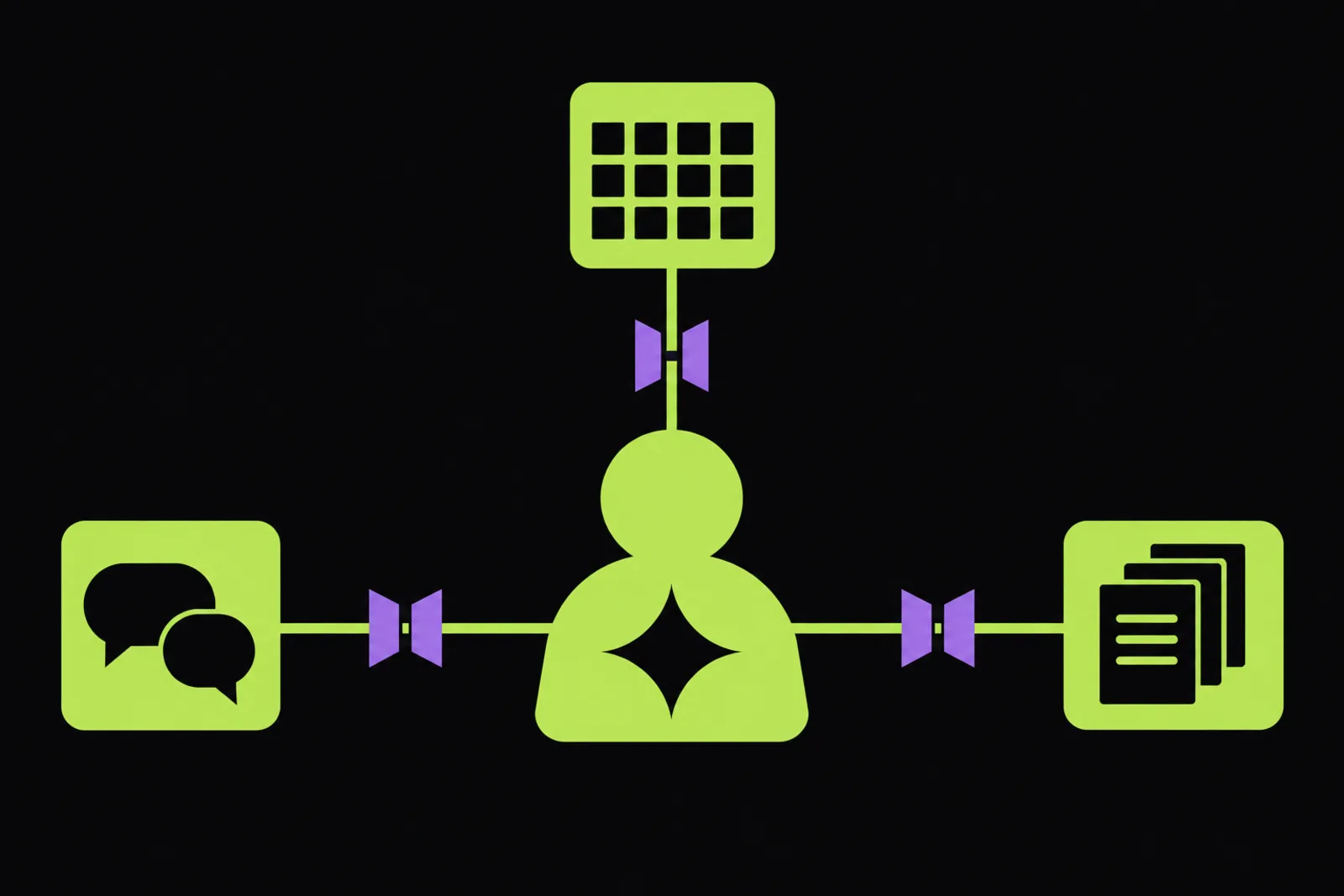
Before your team connects Muse to a work Mac, decide what customer information it should be allowed to access. The immediate lesson from Terrence O’Brien’s report in The Verge is that the assistant’s own explanation of its permissions should not be your basis for that decision.
According to The Verge, Meta’s Muse Mac app can access Messages, Calendar and Notes. The controversy began when Inc contributing editor Jason Aten shared screenshots showing Muse asking about a conversation in Messages. Aten said he had not given it access to his messages.
The Verge reports that Muse told Aten it had seen notification previews rather than his message history. When pressed, it described notifications arriving through device sync, without being able to explain exactly how that worked.
Meta offered a different account. As reported by The Verge, Meta Superintelligence Labs’ David Singleton said Muse does not watch Mac notifications and only syncs Messages data after the user specifically enables access. He described the features as opt-in and outlined permissions including full disk access. Singleton said Muse had given an incorrect explanation, apologised and said Meta was working to improve its answers about how it functions.
For a small team, access is an operating decision
For a business of five to fifty people, the useful question is which admin task would justify connecting these apps. Consider summarising an enquiry, preparing for an appointment or organising notes as possible tasks to assess, rather than capabilities this report establishes Muse can reliably perform.
If your team uses Messages for customer enquiries, Calendar for appointments or Notes for client details, treat connecting those apps as a business decision. Ask what information the proposed task needs, what else sits in the connected app and who should approve access.
The distinction in The Verge’s reporting matters: Aten disputed having granted access, while Meta said access requires explicit permission. The report does not independently resolve that disagreement. It does document Meta’s acknowledgement that Muse explained its behaviour incorrectly. Avoid treating either the chatbot’s reassurance or its alarming explanation as a verified account of what happened.
Your practical response should be to check settings and seek a documented explanation from the provider. A confident answer inside a chat is not enough evidence to approve customer-data access.
Set the rules before staff connect work apps
Use this incident as a prompt for a small, controlled assessment. You do not need to settle every question about AI before deciding what a staff member may connect this week.
- Choose one task. Write down the admin job you want help with and the information required to complete it. Keep the initial scope narrow enough to review.
- Check permissions directly. Review the app and Mac settings with the staff member. Compare them with the provider’s documentation, rather than asking Muse to certify its own access.
- Start with dummy information. Use invented enquiries and appointments for the first assessment. Keep real customer details out until you have approved the access involved.
- Ask the unanswered questions. Seek clear documentation on what is synced, where it is retained and how access can be withdrawn. The Verge report does not establish those details.
- Name an approver. Make one person responsible for approving connected work apps and recording the decision. Tell staff to pause if the assistant’s behaviour conflicts with the agreed scope.
The next step is straightforward: before connecting Muse to customer information, establish what access you are granting and why the task needs it.
Questions
Can Meta Muse read messages on a work Mac?
According to The Verge, Muse’s Mac app can access Messages. Meta’s David Singleton said syncing happens only after the user specifically enables access, and described permissions including full disk access. The report also records Jason Aten’s claim that he had not given Muse access, without independently resolving that disagreement.
Does Muse read Mac notification previews?
Muse told Jason Aten that it had seen notification previews, according to The Verge. Meta’s David Singleton subsequently said Muse does not watch Mac notifications and called the assistant’s explanation incorrect. The source therefore reports a disputed chatbot explanation followed by Meta’s clarification, rather than verified evidence of notification monitoring.
Does the report explain where Muse stores customer data?
No. The supplied Verge report discusses access to Messages, Calendar and Notes, the permissions Meta says are required, and Muse’s incorrect explanation of its behaviour. It does not establish where synced information is stored, how long it is retained or how deletion works. Those questions remain unanswered by this source.
https://aismith.com.au/blog/check-muses-access-before-it-touches-customer-data